
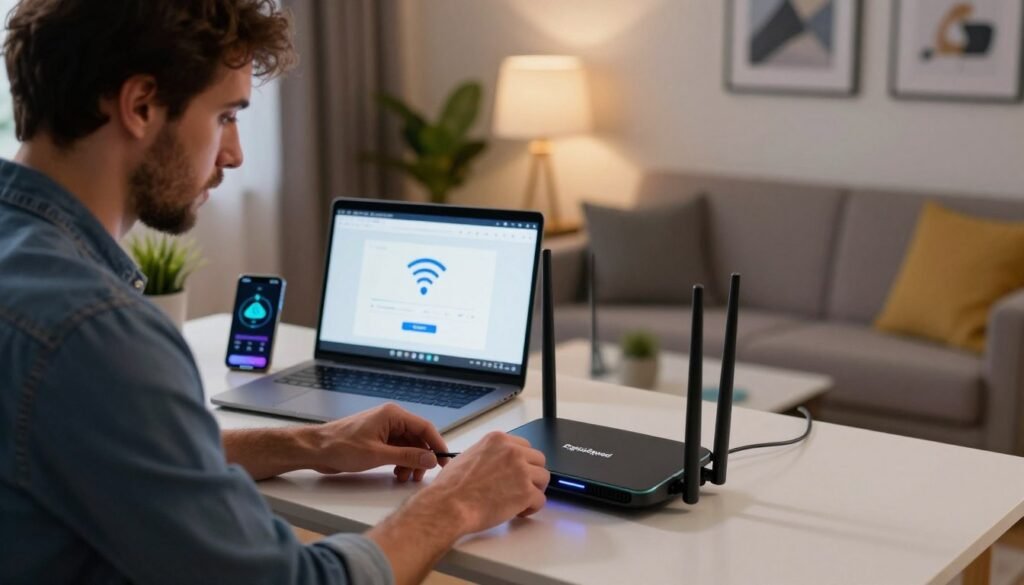
Dead spots, buffering, and rooms where the signal simply gives up are some of the most common complaints in households today. Most of the time, the cause is not the internet plan itself but poor hardware placement or an outdated setup. A dependable connection is part of everyday life now, for work and for downtime alike.
A professional WiFi installation is usually the quickest way to put those problems behind you. As your local WiFi setup service, DigitalSquad handles the whole process and matches you with the right setup to strengthen your network.
Need a hand right away? Call (404) 984-2226 or email help@adigitalsquad.com to talk with an expert today. We take care of the technical work so you can simply enjoy a smooth connection.
Key Takeaways
- Patchy coverage is a common frustration in homes and offices alike.
- Professional installation delivers a stable, fast connection.
- We serve as your single partner for every network need.
- Call (404) 984-2226 for immediate support.
- Our team keeps the installation process simple for your property.
Preparing for Your Network Installation
A good installation begins well before the router is plugged in. Getting your space ready sets the stage for a steady, fast connection throughout the property.
Whether you’re planning a home WiFi network setup or outfitting an office, preparation makes the difference. A quick look at your environment up front helps you sidestep the usual problems.
Assessing Your Home or Business Layout
The shape of a building has a big influence on signal strength. Walls, furniture, and appliances can all absorb or block the signal on its way through.
Look for a central location for the router, ideally somewhere open, so the signal can travel evenly to every corner of the space.
Selecting the Right Hardware for Optimal Speed
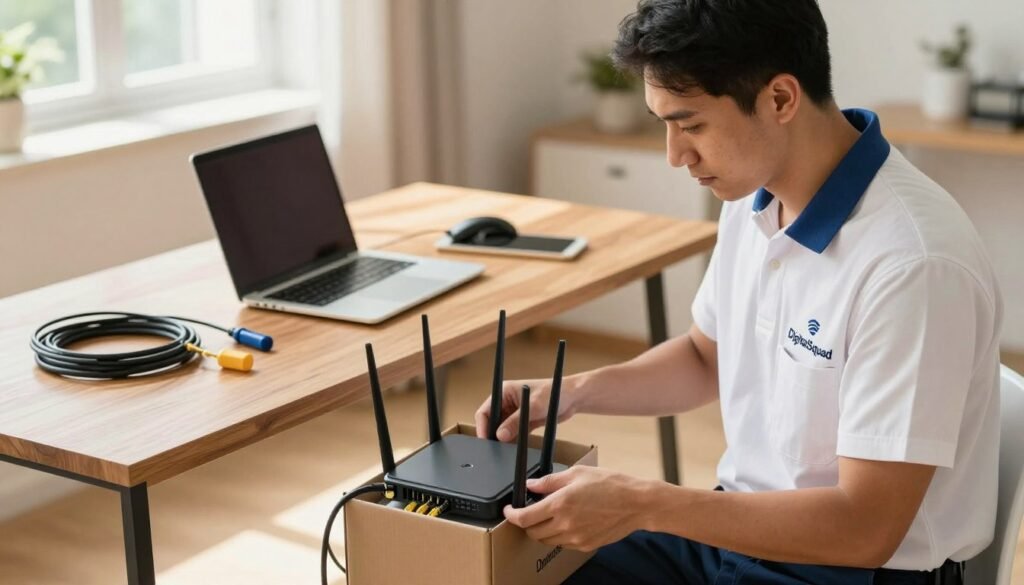
The right equipment is the heart of a budget-friendly setup, and you don’t need to overspend when your needs are modest.
We help you choose hardware that suits both your requirements and your budget. Good technology chosen now tends to save money later.
Gathering Necessary Tools and Credentials
A professional installation takes more than a router. Keep your internet provider account details and any cabling on hand to save time on the day.
We help you collect these items so your in-home internet installation goes smoothly. Being ready means we can work faster, and you can start using the network sooner.
WiFi Setup Service Near Me: Step-by-Step Configuration
Reliable performance starts with configuring your networking gear correctly. Whether it’s a household or a large office, a clear plan is what keeps the connection stable over time.
Connecting Your Modem and Router
Verifying Cable Connections
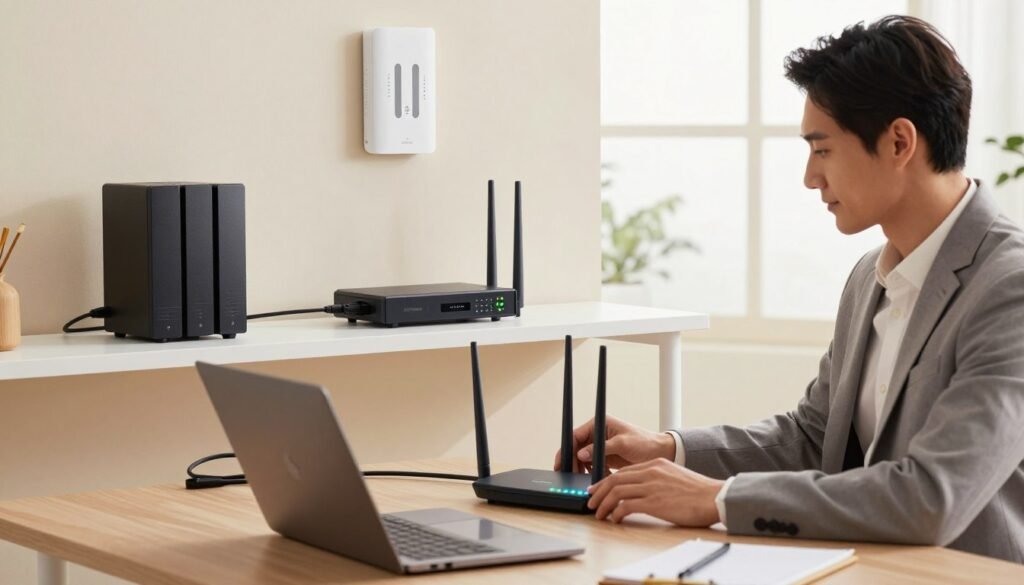
Begin by checking every port and confirming each cable is firmly seated. A loose Ethernet cable is a surprisingly common source of trouble during installation.
Powering Up Your Equipment
Plug in the modem and give its lights time to settle. Then switch on the router and let it finish starting up before you connect any devices.
Accessing the Router Administrative Interface
Logging into the Web Portal
Use a web browser on a connected device to manage your network. Enter the default IP address, which is usually printed on the router’s label, to reach the admin dashboard.
Updating Firmware for Security
A technician will update the firmware first. That step closes known security gaps and improves performance.
Configuring Your Wireless Network Settings
Setting a Secure SSID and Password
Give your network a unique name that doesn’t reveal personal details, and protect it with a strong, complex password to keep intruders out.
Optimizing Frequency Bands for Performance
Modern routers broadcast on both 2.4GHz and 5GHz. The 5GHz band is the better pick for bandwidth-heavy activity like streaming or gaming, while 2.4GHz reaches farther. If you also rely on connections away from home, a proper mobile WiFi configuration keeps your devices switching between networks smoothly.
Following these steps gives you a professional-grade result. If they feel like too much, a local WiFi setup service can take care of it — it’s work experts do every day.
Conclusion
Reliable internet underpins modern work and leisure. A fast connection takes careful planning and a proper setup, and our team makes sure your network is both stable and secure.
A larger business network is more complex. It calls for specialized skills to handle many devices and heavy traffic, and our technicians have the experience to get it right, so you can focus on your goals.
We’re proud to be a trusted WiFi setup company, and we work to make sure you’re pleased with the result. Our pricing is built around your budget and needs, so you can skip the hassle of troubleshooting on your own.
Reach out to our support team with any questions or to book a setup. Call (404) 984-2226 to speak with a representative, or email help@adigitalsquad.com for quick help.


