

Slow speeds and spotty Wi-Fi are a daily annoyance in a lot of homes, and the culprit is more often a poor setup than a weak signal. Your connection should be the most dependable part of your day, not the part you work around.
Our Home Network Setup Service is built to clear out dead zones and sluggish connections and to lay a solid foundation for everything you do online, so each device performs the way it should.
Modern connectivity can feel complicated, and we aim to make it simple. If you’d like help, call (404) 984-2226 or email help@adigitalsquad.com and get started today.
Key Takeaways
- Dependable connectivity improves both work and downtime.
- Our experts resolve the usual Wi-Fi dead zones.
- We guide you toward a better-organized digital space.
- Reach our support team at (404) 984-2226 for assistance.
- Email help@adigitalsquad.com for custom tech solutions.
- A well-built setup means every device runs smoothly.
Essential Components for a Reliable Home Network Setup Service
A good setup depends on quality parts that cooperate well. A dependable system usually combines a fast modem, a capable router, and sometimes a network switch to manage traffic. The right mix keeps your digital life quick and steady.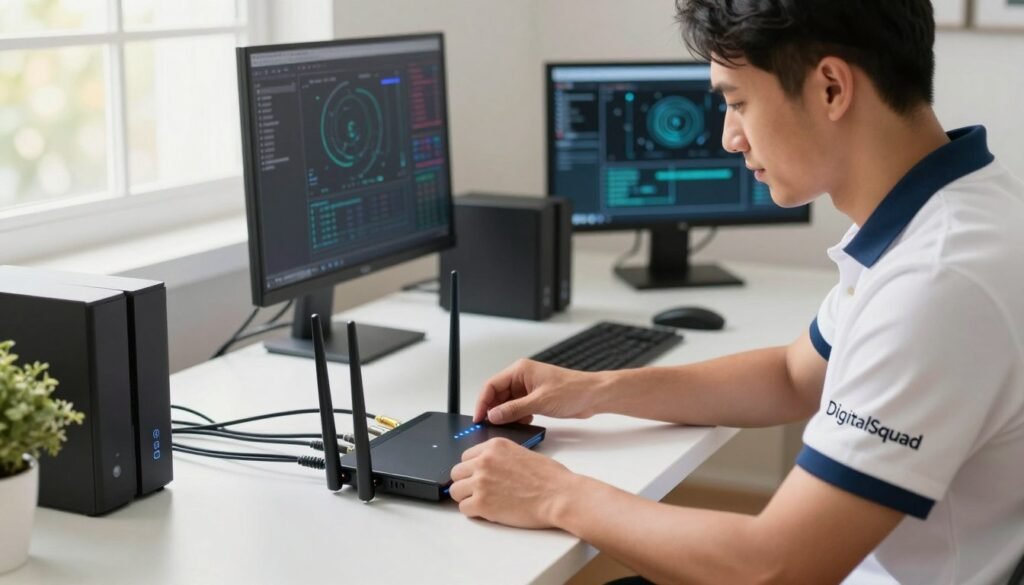
Selecting the Right Hardware for Your Needs
Bandwidth needs vary from home to home depending on the number of devices and what they’re used for. Whether you stream in 4K or work from home all day, we help you pick the gear that fits. Professional installation then makes sure everything works together and reaches every area.
Overwhelmed by the hardware choices? Call (404) 984-2226 or email help@adigitalsquad.com. Our team will walk you through the setup and make sure it lasts.
“A network is only as strong as its weakest link, which is why investing in quality hardware is the most important step in home networking.”
Understanding Wired Versus Wireless Connectivity
Choosing between wired and wireless is a core decision. Wireless suits devices that move around, while wired connections are faster and more dependable for stationary equipment. We usually recommend a blend of both for the best results.| Feature | Wired (Ethernet) | Wireless (Wi-Fi) |
|---|---|---|
| Stability | High | Moderate |
| Mobility | Low | High |
| Installation | Complex | Simple |
| Best For | Gaming/Work | Mobile Devices |
Step-by-Step Guide to Professional Network Configuration
A great digital experience starts with a well-configured network. Constant connectivity matters in modern homes, and our professional installation is aimed at lasting stability and strong performance. These steps help keep your home connected without interruptions.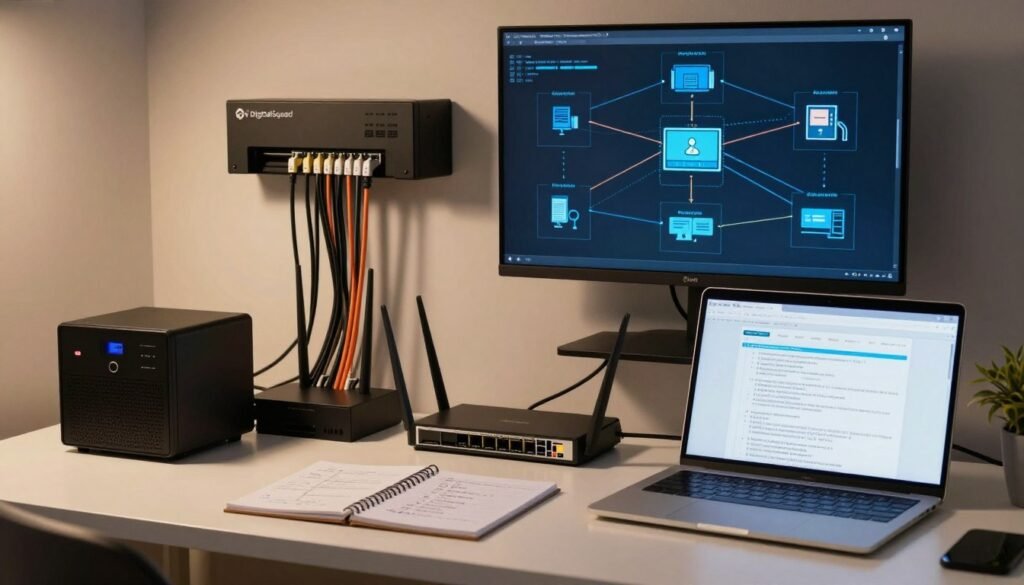
Modem and Router Placement Strategies
Where you put your hardware affects signal quality. We recommend placing the router somewhere central and elevated to avoid interference, which helps eliminate dead zones and keeps coverage consistent.
Avoid tucking equipment inside cabinets or behind TVs, since both block the signal. For a strong home Wi-Fi network setup, keep the router close to where you use it most. If you run into signal trouble, call (404) 984-2226 or email help@adigitalsquad.com.
Configuring Security Protocols and Guest Access
A well-built wireless network balances speed with protection. We apply current encryption standards, and with strong passwords and modern security settings, your devices stay safe.
A separate guest network is a smart addition, keeping your own devices apart from visitors’. The table below shows the main security features we configure.
| Security Feature | Primary Benefit | Recommended Status |
|---|---|---|
| WPA3 Encryption | Advanced Data Protection | Enabled |
| Guest Network | Device Isolation | Active |
| Firmware Updates | Vulnerability Patching | Automated |
| SSID Hiding | Reduced Visibility | Optional |
Optimizing Your Home Office Network and Wireless Coverage
Your home office network carries your workday, from video calls to large file transfers, and even minor problems can slow you down. A properly built network keeps your connection working in your favor.Enhancing Signal Strength for Small Business Environments
A small business operating from home needs more than a basic router. Mesh systems or high-gain access points can blanket the whole workspace and keep the connection fast wherever you sit.
Place your gear centrally and high up so the signal reaches everywhere, and avoid thick walls that weaken it. That gives you reliable coverage across all your devices.
Troubleshooting Common Connectivity Issues
Even good networks have off days. If the internet slows or keeps dropping, start by restarting the modem and router, and confirm the firmware is current.
Still stuck? Our team can help. Call (404) 984-2226 or email help@adigitalsquad.com, and we’ll sort out the problem quickly so your home office keeps running and you can focus on your work.
Conclusion
A stable connection underpins daily life, whether you work from home or just want things to run well. The right setup supports your productivity.
We believe everyone deserves dependable technology. A strong network keeps a small team working smoothly, and DigitalSquad builds setups that grow with you.
You should have a digital experience that supports your goals, and we’re here to help make your current setup better and more secure.
Call (404) 984-2226 to talk through your needs, or email help@adigitalsquad.com to arrange a conversation. We look forward to helping you keep your connection fast and secure for the long run.


